Seedance 2.5 Text to Video
Turn a clear scene brief into a longer, sharper AI video — describe subject, motion, camera, and mood in plain language.
Seedance 2.5 builds on Seedance 2.0 with higher-resolution output, longer clip duration, and the same intuitive text-to-video and image-to-video workflow
Seedance 2.5 supports the same powerful multimodal workflows as Seedance 2.0 — now with more headroom for detail, timing, and finished-scene quality
Turn a clear scene brief into a longer, sharper AI video — describe subject, motion, camera, and mood in plain language.
Upload a still image and animate it with realistic movement, camera motion, and environmental detail that holds up at higher resolution.
Restyle existing footage with upgraded motion quality — ideal when you need a longer, more polished take on the same creative direction.
Combine multiple reference images or clips to keep identity, composition, and motion consistent across longer Seedance 2.5 generations.
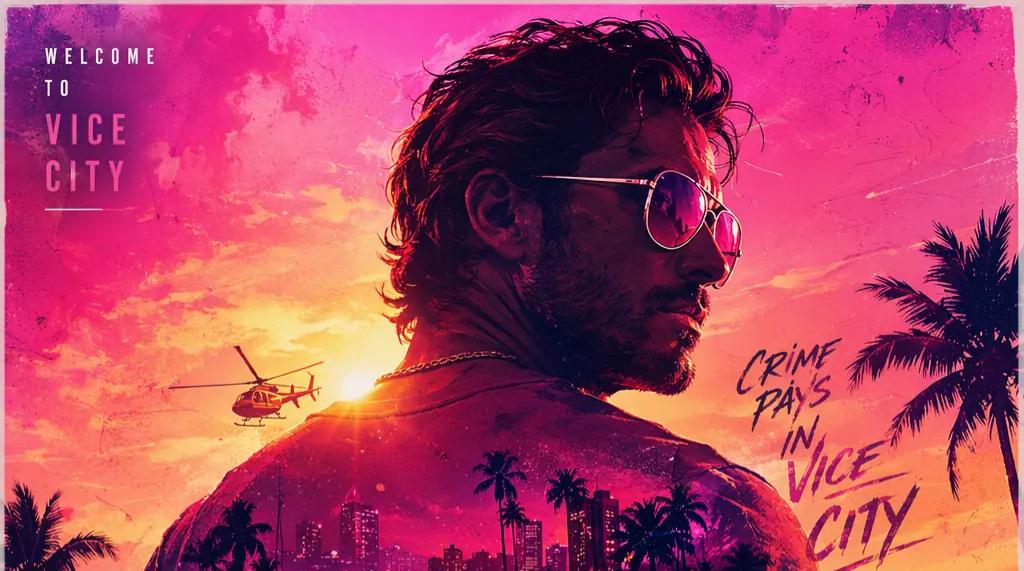
An upgraded Seedance 2.0 experience with sharper output, longer clips, and a workflow that stays simple from first prompt to publishable video.
Seedance 2.5 is built for creators who need cleaner edges, richer textures, and output that still looks sharp after cropping for social, ads, or ecommerce listings. Higher-resolution video means product surfaces, environments, and character details stay readable — not just in preview, but in the final file you publish.
Short clips often cut off before the moment lands. Seedance 2.5 supports longer generations so each shot can carry a setup, action, camera move, and closing beat in one pass. Use extended timing for product reveals, character beats, explainers, and campaign variants that need a real beginning, middle, and end.
Longer videos demand consistency. Seedance 2.5 is better suited to keeping subjects, lighting, and environment details coherent from the opening frame through the final beat. That stability matters for branded content, product demos, and any shot where a single glitch breaks the illusion.
You do not need a new process to benefit from Seedance 2.5. Write a prompt, add references when helpful, pick resolution and duration, then iterate — the same creative rhythm as Seedance 2.0, with more room for polished final output.
Bring in images and media references to steer subject identity, product styling, composition, mood, and motion. Seedance 2.5 rewards specific direction — the clearer your references, the closer the result lands to your brief.
Seedance 2.5 is a strong fit for ad hooks, product clips, creator shorts, explainers, and campaign variants that need to ship fast without looking like a rough draft. Generate vertical, square, and widescreen outputs from one focused brief.
Beyond Seedance 2.5, access Seedance 2.0, Kling, Wan, GPT Image, and more from a single workspace — switch models without leaving your creative flow. One login, one credit balance, every tool you need for video and image production.
Sharper Detail for Products, Faces, and Close-Ups
Seedance 2.5 is built for creators who need cleaner edges, richer textures, and output that still looks sharp after cropping for social, ads, or ecommerce listings. Higher-resolution video means product surfaces, environments, and character details stay readable — not just in preview, but in the final file you publish.
The upgraded Seedance experience turns your ideas into longer, sharper AI videos — blending visuals, sound, and motion with the multimodal power you already know from Seedance 2.0.
Seedance 2.5 delivers cleaner edges, richer scene detail, and output that holds up for ads, product visuals, and portfolio-ready work — not just quick social previews.
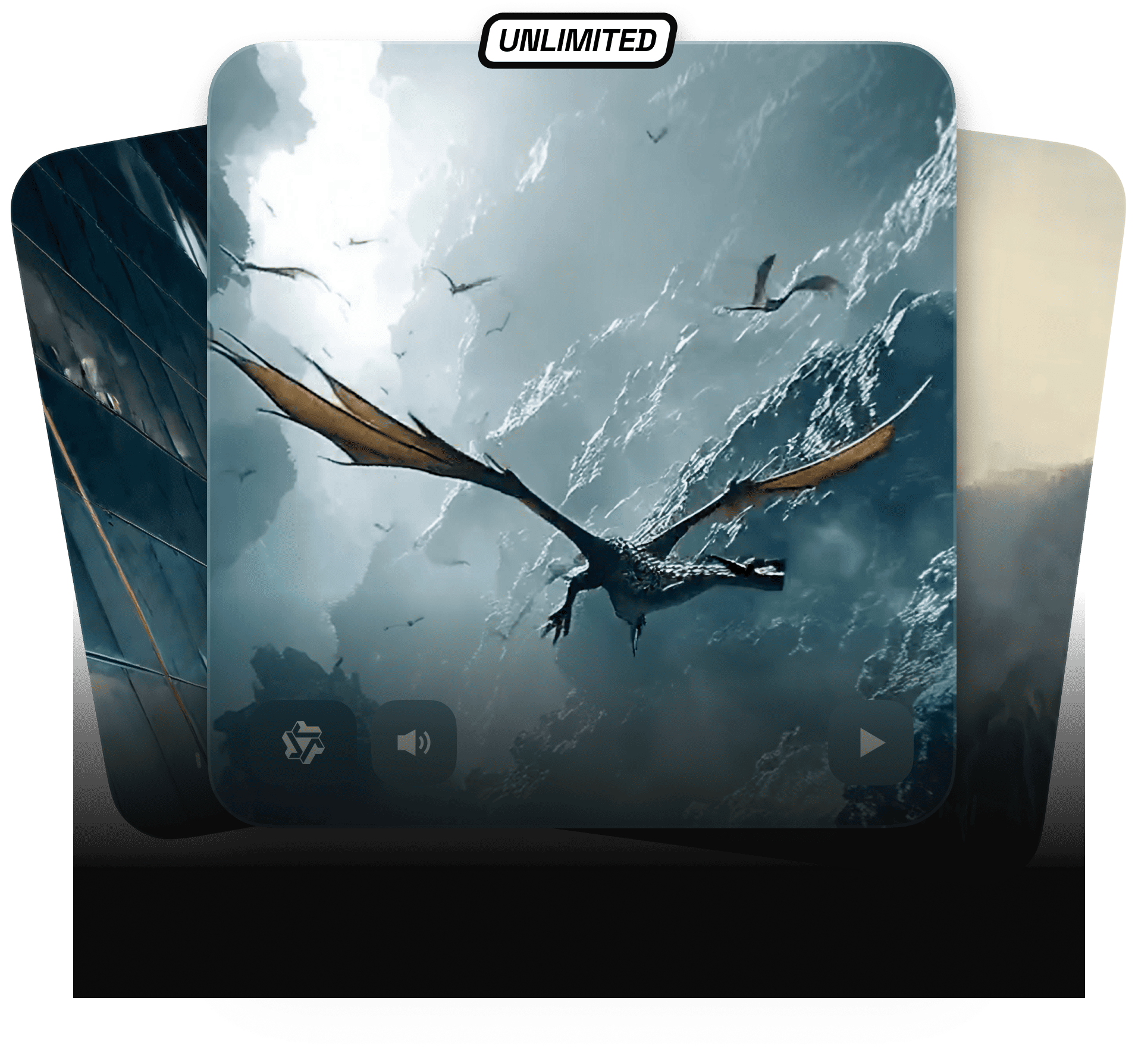
Seedeance 2.5 extends single-generation length to up to 30 seconds, providing ample room for complete narrative expression. From scene establishment and subject motion to camera choreography and a definitive closing frame, every element unfolds with deliberate pacing — eliminating the compromise of cuts imposed by length constraints.
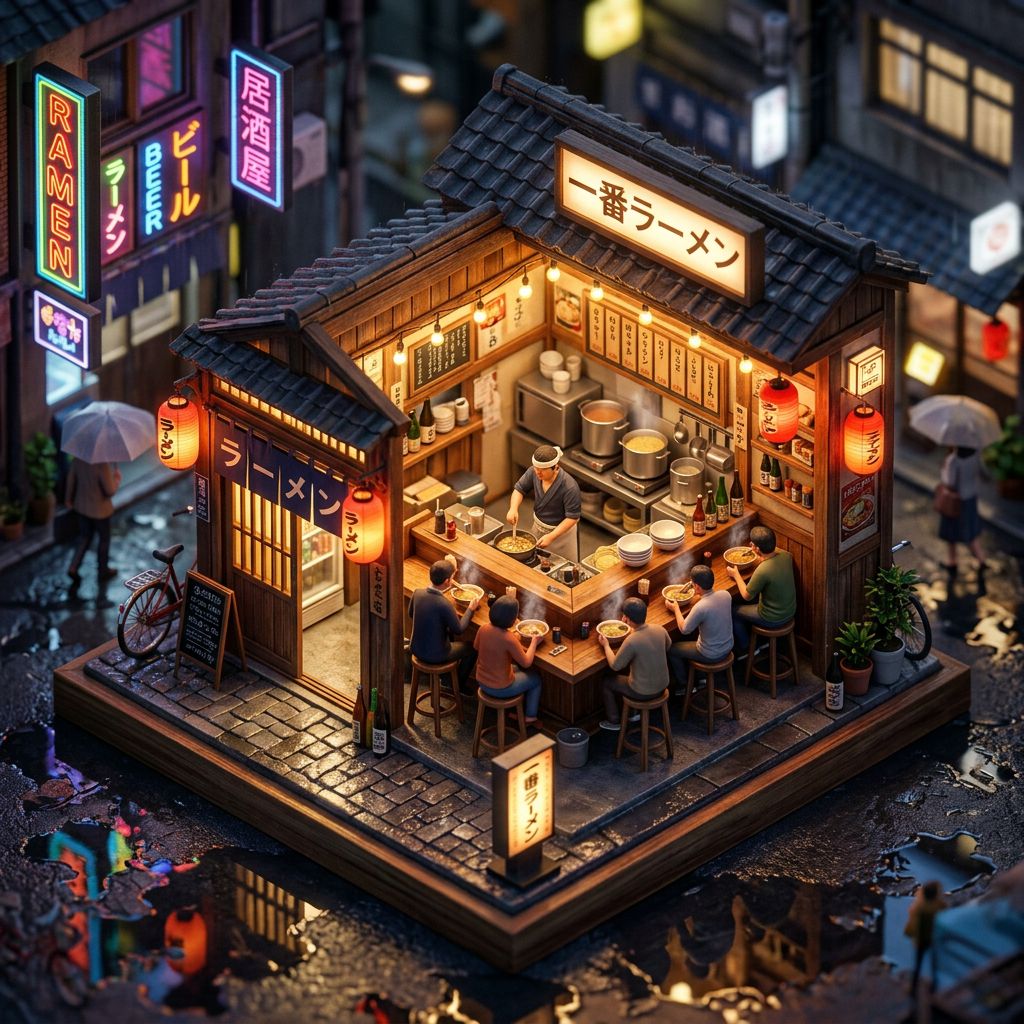
Seedance 2.5 builds on the strengths of Seedance 2.0 — stronger framing, cleaner motion, and more practical value for finished video work you actually publish.

Upload images and media references to steer subject identity, composition, product styling, and camera language — the same multimodal flexibility, tuned for longer, sharper results.

Seedance 2.5 follows complex scene instructions with room to breathe — rich character interaction, deliberate camera moves, and the pacing a longer clip needs to feel intentional, not rushed.
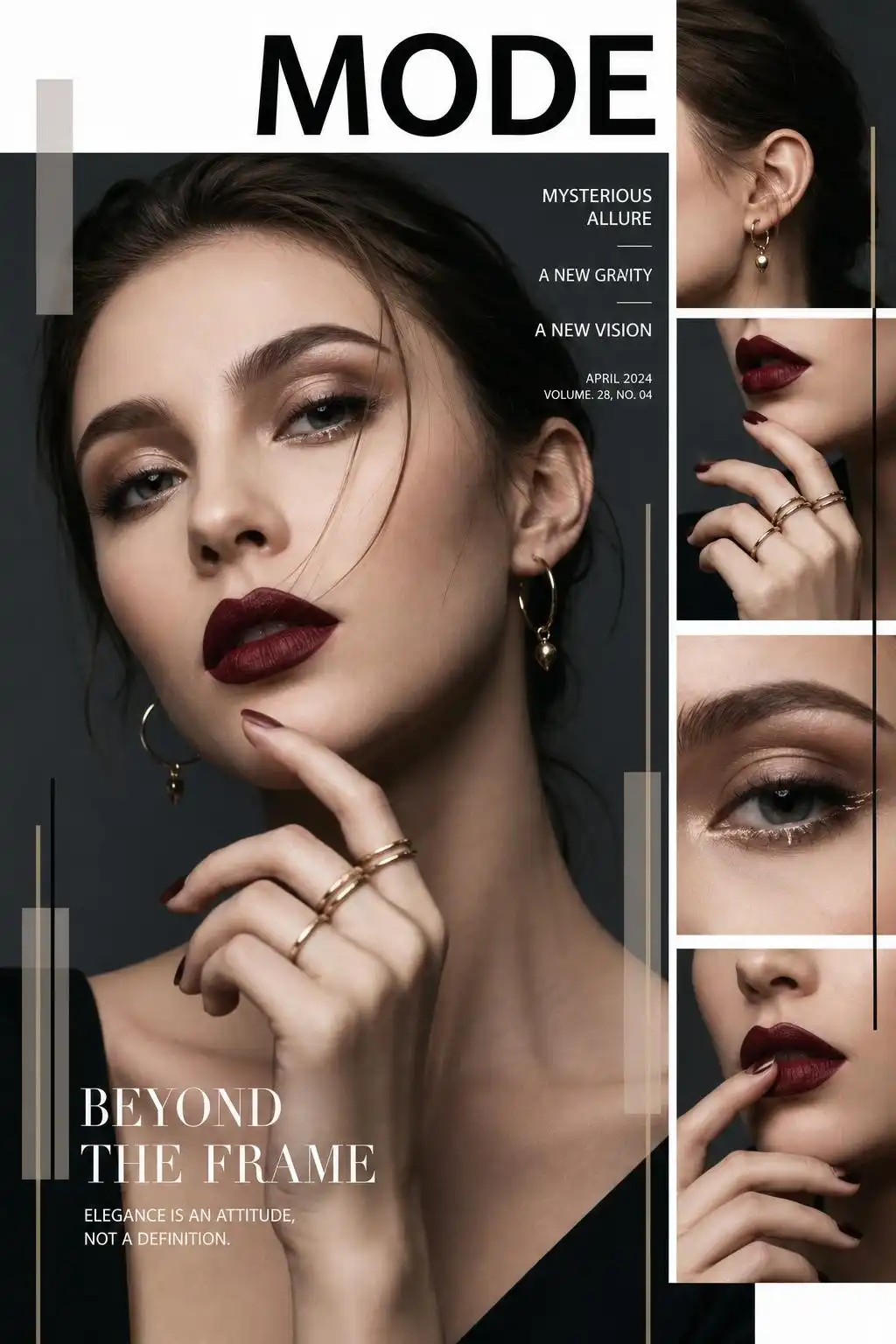
From prompt to export, Seedance 2.5 fits real production needs — marketing videos, ecommerce visuals, creator shorts, explainers, and campaign variants that need to ship fast without sacrificing visual quality.
Treat the generator like a shot planner: define the subject, action, camera, and end use before you generate.
Describe the subject, setting, movement, style, and camera direction. For Seedance 2.5, include the exact moment the longer clip should complete.
Upload images or other assets when you need more control over a person, product, layout, mood, or brand style.
Select aspect ratio, duration, and resolution that match your target channel — vertical social, widescreen campaigns, or square feed posts.
Review motion, detail, and timing. Revise one creative variable at a time so Seedance 2.5 can improve the shot with clearer direction.
Describe the subject, setting, movement, style, and camera direction. For Seedance 2.5, include the exact moment the longer clip should complete.
Upload images or other assets when you need more control over a person, product, layout, mood, or brand style.
Select aspect ratio, duration, and resolution that match your target channel — vertical social, widescreen campaigns, or square feed posts.
Review motion, detail, and timing. Revise one creative variable at a time so Seedance 2.5 can improve the shot with clearer direction.
Start creatingFlexible credit packs and subscriptions for Seedance 2.5, Seedance 2.0, and every AI model on the platform.
Includes
Includes
Everything in Standard, plus
Common questions about the upgraded Seedance 2.5 AI video experience.
Seedance 2.5 is best for AI video projects that need sharper detail, longer scenes, and a more complete visual idea than a very short clip can provide — including product demos, ad hooks, explainers, and creator content.
Seedance 2.5 is an upgrade built on Seedance 2.0 with two major improvements: higher-resolution output and longer supported video duration. The core workflow — prompt, references, generate, refine — stays the same.
Yes. Reference assets help guide subject identity, product appearance, composition, color mood, and visual style. They are especially useful when you need brand consistency across multiple generations.
Choose longer duration when the video needs a clear beginning, action, and ending — such as a product reveal, camera move, transformation, or demonstration that would feel cut off in a shorter clip.
It does when your content includes detailed products, faces, textured environments, or close-up shots that may be cropped for different channels. Sharper source files give you more flexibility downstream.
Write a specific prompt, add useful references, choose your output settings before generating, and refine one variable at a time after each result. Clear direction beats vague descriptions every time.
Yes. You can generate from text prompts, from image references, or combine both for stronger control over style, composition, and motion — all from the generator on this page.
Start now and turn your next brief into a sharper, longer AI video — built for the channels where you actually publish.