A few months ago, I spent four hours editing a 90-second video about gravity.
Scripting. Storyboarding. Recording audio. Syncing captions. Hunting for stock footage that didn't look like it was from 2008.
By the end, I wasn't sure if I'd actually taught anything. I was just tired.
Then I tried Seedance 2.0 the "wrong" way — not for short films, not for character scenes, but for something boring:
Classroom explanations.
And something clicked.
Why Education Works Better Than Cinema (Right Now)
Everyone's chasing cinematic AI video. Dramatic lighting. Camera movement. Emotional performances.
The problem is: AI still melts faces and warps limbs when things get complex.
But teaching videos are different. They have three characteristics that play to AI's current strengths:
1. Simple motion
Objects move in straight lines. People walk slowly. There are no car chases.
2. Concept over performance
Students don't need acting. They need to see how force affects velocity, how an electric field spreads, how a function curves.
3. Predictable structure
Most explainers follow the same pattern: question → demonstration → explanation → summary. That's easy for AI to organize.
So I stopped fighting the tools and started leaning into what they actually do well.
The Prompt Formula That Actually Works
After dozens of failures, I landed on a structure that consistently produces usable clips:
Concept + Object + Change Over Time + Camera + Style + Quality + Motion ConstraintsA vague prompt like "explain Newton's Second Law" gives you random nonsense.
A specific prompt like this gives you a teaching clip:
A shopping cart stands still in a grocery aisle. A student pushes it gently — it moves slowly. She pushes harder — it accelerates. Side camera follows the cart. Arrows show force and acceleration. High school physics demo style. Educational documentary look. 4K. Smooth motion. No distortion.
That's the difference.
12 Prompts That Worked for Physics, Chemistry, and Math
Here's what I tested. These all generated usable footage — no editing required.
Physics
Acceleration (Speed vs. Velocity)
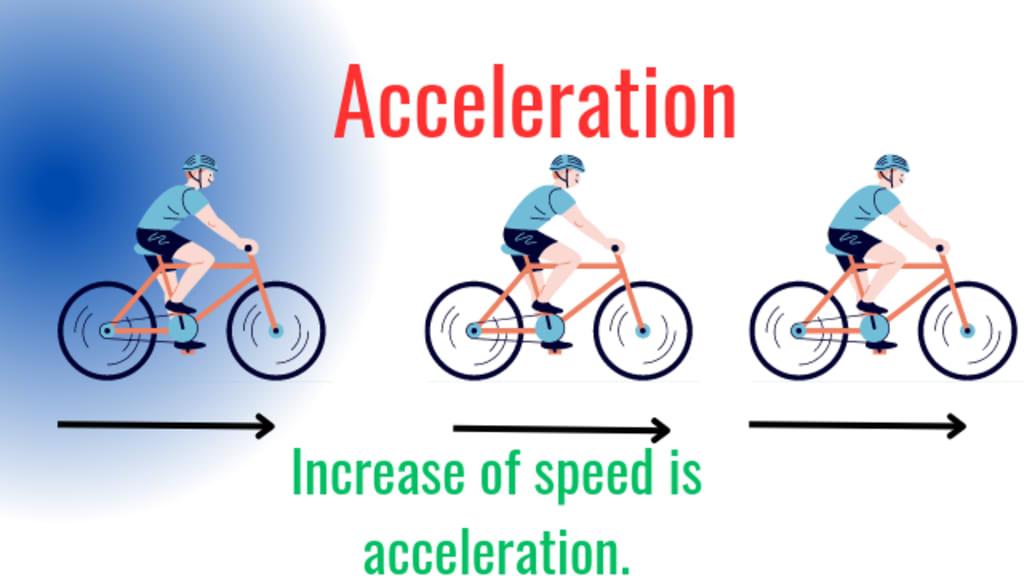
A student rides a bike across a sunny campus. Steady speed first, then gradually faster. Side camera. Real-time speed numbers on screen. High school animation style. 4K.
Newton's Second Law (F=ma)
Shopping cart in grocery aisle. Light push = slow. Harder push = faster. Arrows show force and acceleration. Camera follows cart. Lab demo style.
Electric Field Intensity
Positive charge in black void. Blue field lines appear. Test charge moves closer. Slow zoom. 3D scientific visualization style. HD.
Conservation of Momentum
Two lab carts on a smooth track. One静止, one rolls and hits it. After collision, both move together. Overhead camera. Momentum values on screen.
Chemistry
Redox Reaction
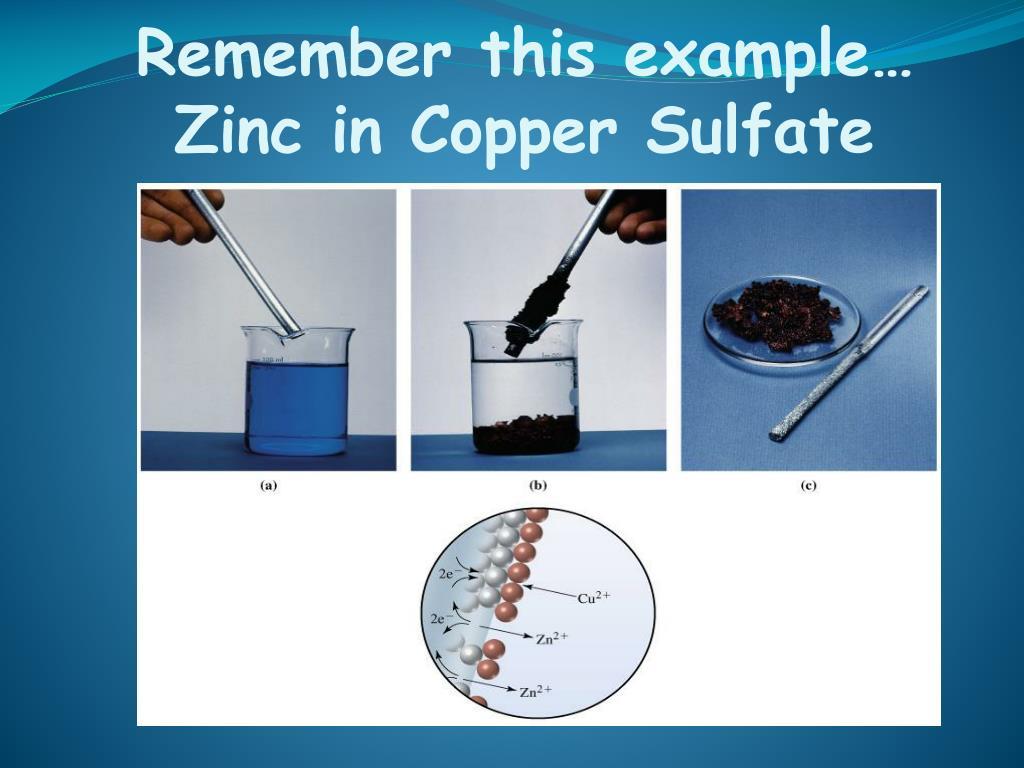
Blue copper sulfate in beaker. Zinc strip lowers in. Glowing particles (electrons) move from zinc to copper. Copper forms. Macro shot. High school chem style.
Electrolytes & Dissociation
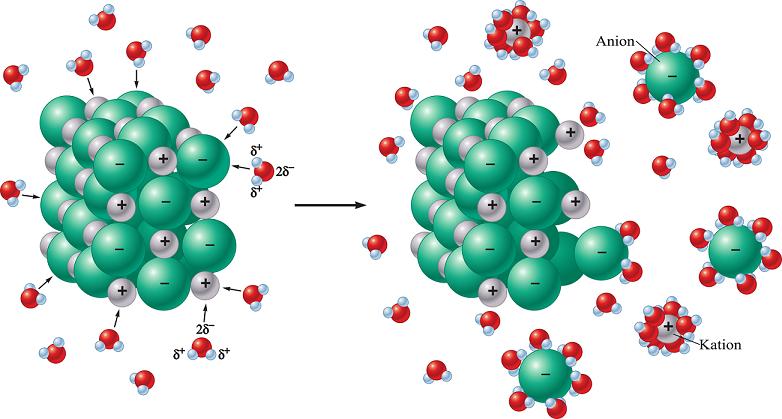
Salt crystals in water. Break apart. Ions drift opposite directions. Faint glow on each ion. Camera follows. 3D chemistry style.
Covalent Bond Formation
Two hydrogen atoms slowly approach. Electron clouds overlap. Bond forms. Zoom to atomic scale. Scientific visualization style.
Reaction Rate (Temperature Effect)
Two identical beakers react side by side. One heated, one room temp. Bubbles form faster in heated beaker. Timer on screen. Lab demo style.
Math
Function Concept
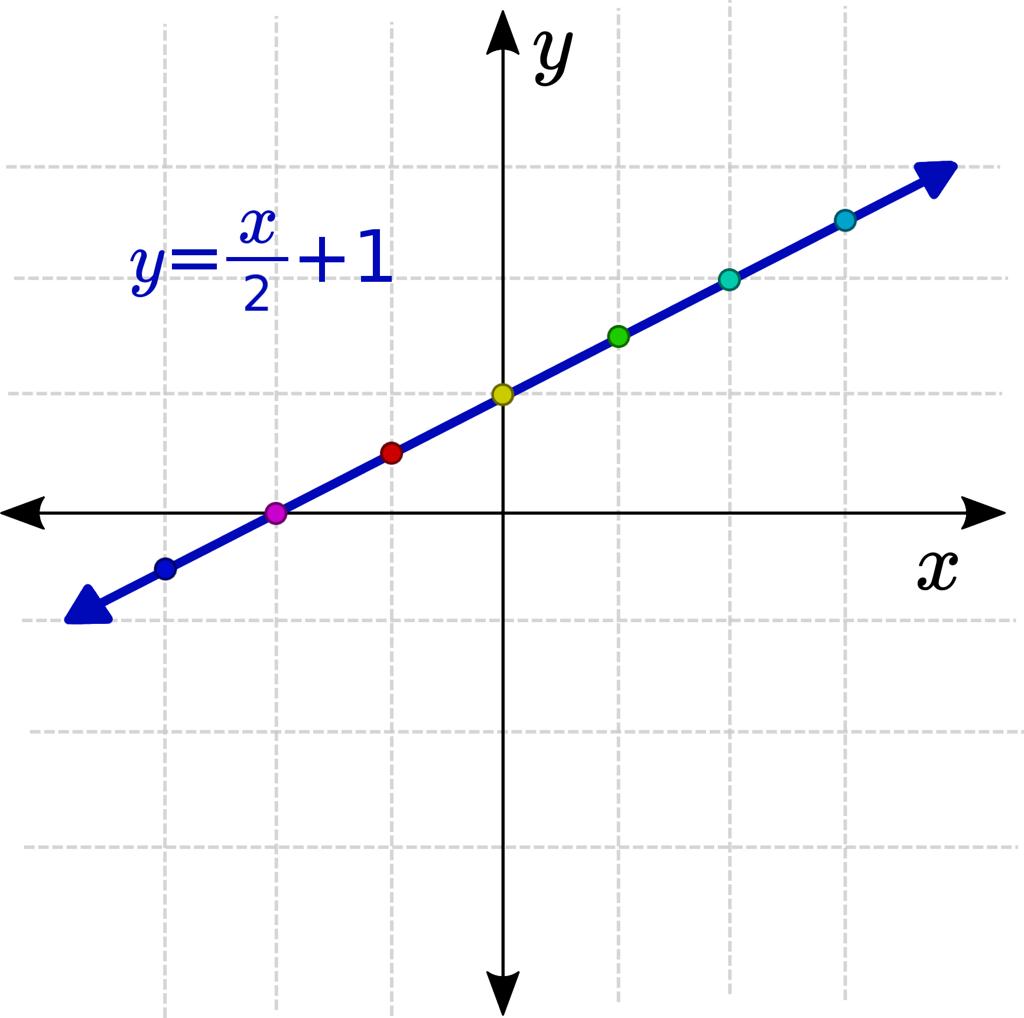
2D coordinate grid appears. Curve draws itself. Point moves along curve. Coordinates update. Modern math visualization style.
Derivatives (Tangent Line)
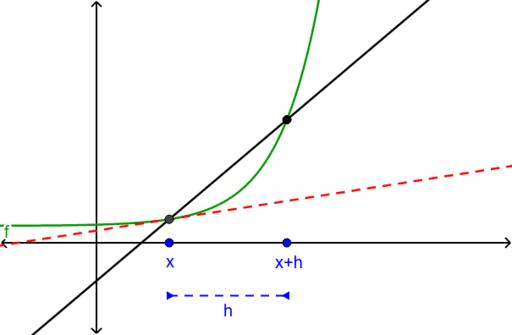
Point moves along curve. Tangent line rotates in real time. Slope value updates. Fixed camera. Calculus animation style.
Arithmetic Sequences
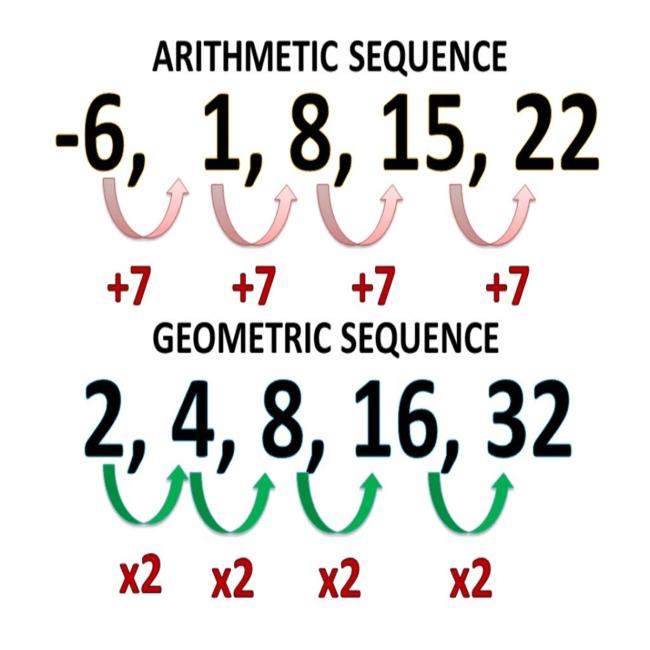
Numbers appear in a row, evenly spaced. Spacing expands gradually. Formula appears. Math education style.
Probability & Statistics
Colored balls randomly drawn from container. Results update live. Bar chart builds. Data visualization style.
What I Learned From Failure (Lots of It)
Some prompts failed every single time. Here's what to avoid.
❌ Fast or complex motion
"A student sprints across campus"
Results in: distorted limbs, broken movement, body horror.
✅ Fix it:
"A student walks slowly"
❌ Crowd scenes
"Twenty students do a lab experiment"
Results in: characters merging into each other, faces melting.
✅ Fix it: Keep it to one or two people.
❌ No camera direction
"Explain derivatives"
Results in: random angles, inconsistent framing, useless footage.
✅ Fix it: Add any of these — close-up, medium shot, slow zoom, fixed camera
Who Should Actually Care About This
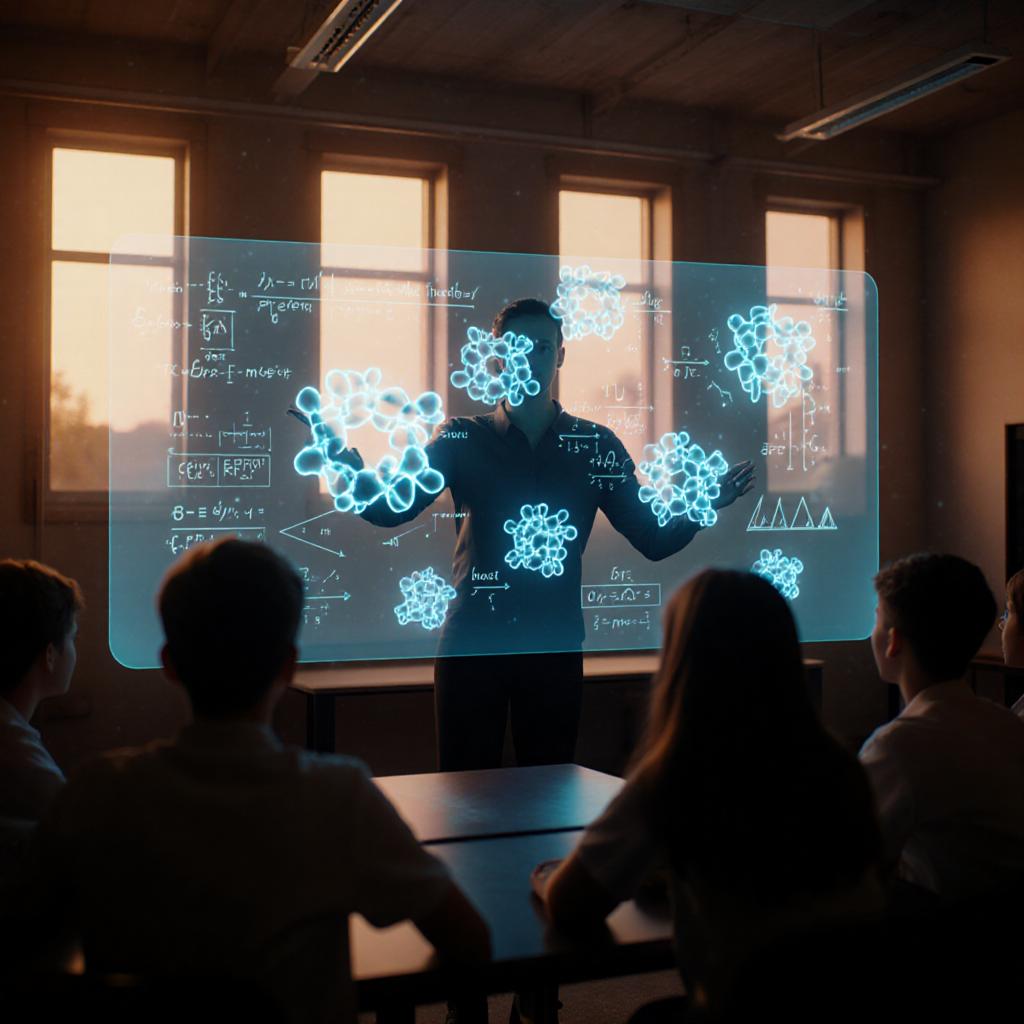
Seedance 2.0 isn't for everyone. But if you're any of the following, it's worth your time:
- You run an educational YouTube channel
- You teach online and want better visuals without hiring an editor
- You write explainers on X or Substack and want to add short video clips
- You're building a small online course and don't have a production budget
This won't replace high-end animation. But it will get you 80% of the way in 10 minutes instead of 4 hours.
Final Thought
Most people are using AI video to chase Hollywood.
That's a trap.
The real opportunity right now is smaller, simpler, and honestly a little boring:
Making abstract concepts visible.
Physics. Chemistry. Math. Science explainers.
Seedance 2.0 does this better than it does short films. By a lot.
So stop trying to make the next great cinematic trailer. Try a shopping cart and Newton's Second Law instead.
You might be surprised what comes out.
Try one of the prompts above. Reply or DM me what you get — good or bad. I'm genuinely curious.